Before you make the call:
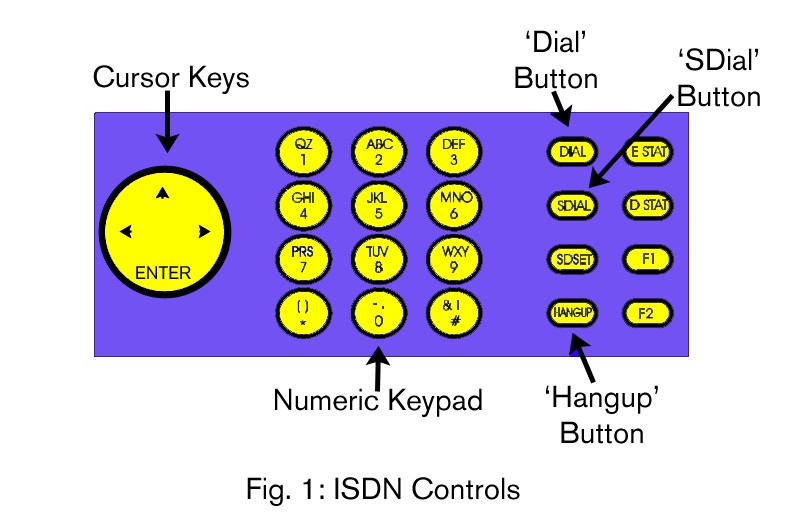
- Set the codec to G722 by pressing ‘SDIAL’ followed by 7 followed by ‘ENTER’ (for an explanation of what this means see ‘ISDN Codecs’ below).
- Switch on and fade up the ISDN channel on the mixing
- Always check your levels on the presenter microphone before you make the call.
Make sure it is faded up and turned - It is a good idea to get a phone number for the other person, just in cas
Making the call:
- Press ‘DIAL’.
- You will see ‘BOTH 1 2’ in the display. Press the right-hand cursor key to change the selection from ‘BOTH’ to ‘1’. Now press ‘ENTER’.
- Dial the number using the numeric keypad – then press ‘ENTER’.
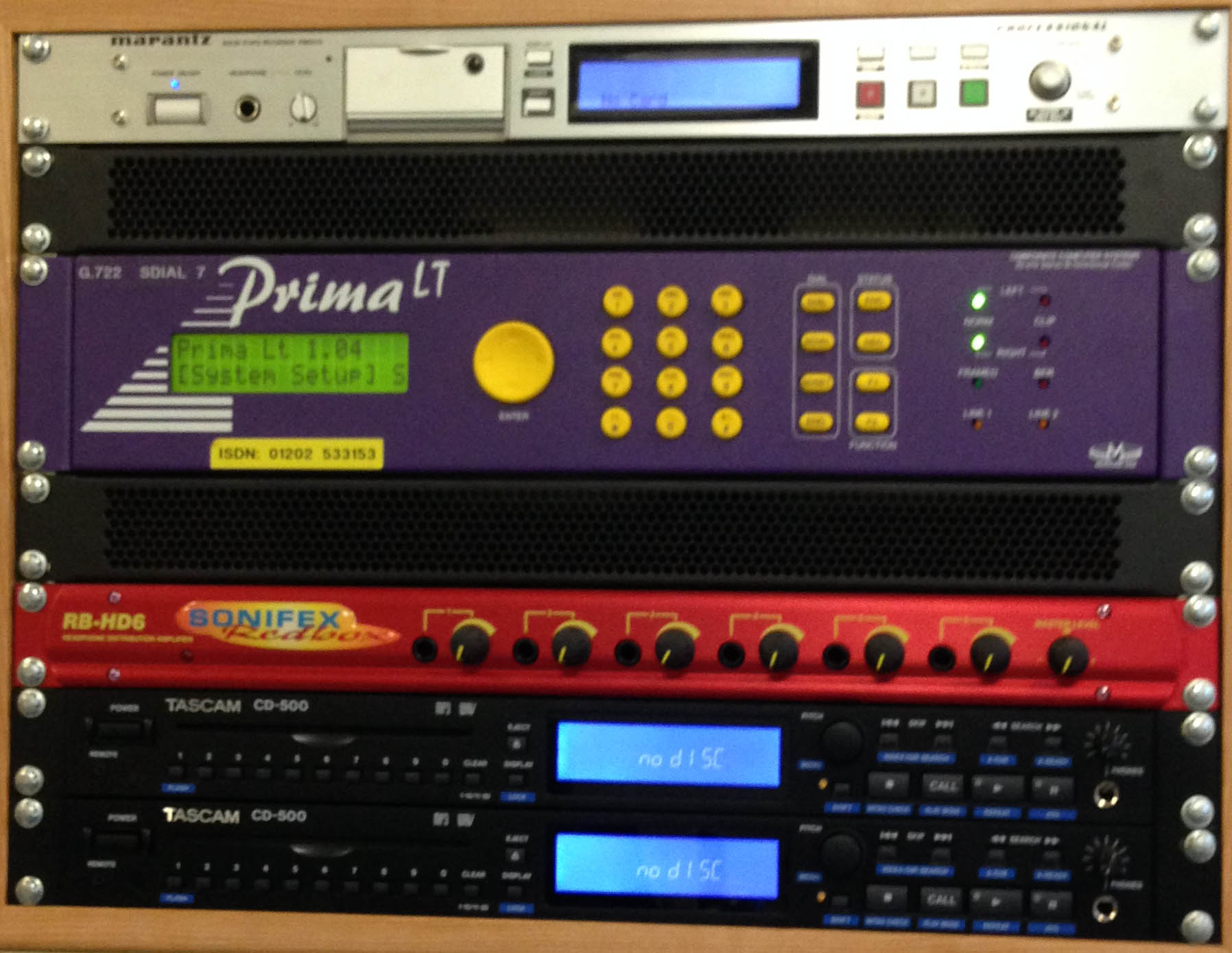
- You should now be connected to the remote ISDN unit. You can verify this by checking that the ‘Framed’ light to the right of the unit is on.
- Once you have the ISDN call running through the desk you should be able to hear the interviewee on the headphones and talk to them through the microphone.
- Get your interviewee to talk briefly before you start the interview in order to check their levels. (A common question to ask is what they had for breakfast).
- Remember to hit record in Burli or Adobe Audition.
- After you’ve finished the interview, end the call by pressing the ‘HANGUP’ button followed by ‘ENTER’.
- If the other party wants to call you instead, the numbers are:
01202 533153 for Studio 1, or 01202 531412 for Studio 4. The ISDN unit will answer automatically.
ISDN Codecs
A Codec is a protocol used for encoding audio into a digital stream that can be sent down the ISDN line and decoded at the other end. Hence the name: COde / DECode.
There are four main types of codec for ISDN: G722, MPEG2, MPEG3 and APTx.
ISDN usually consists of two lines, each with a bandwidth of 64Kbps, making 128Kbps in total.
G722 is optimized for speech and its low latency (the length of time the audio is delayed from one end to the other) makes it ideal for remote interviews. It is also the most common codec and therefore the most likely to work!
It is unsuitable for music however. For that you will need to use one of the other codecs.
MPEG2 or MPEG Layer2 is the most common codec used by broadcasters for music (it is the same codec as used for DAB so this minimises transcoding loss in the broadcast chain), and allows stereo in reasonably decent quality. However some manufacturers have their own ‘flavour’ of MPEG2 (such as Musicam) so compatibility is not guaranteed. It has about double the latency of G722 at around 200 milliseconds, but that is still pretty good.
MPEG Layer 3, more usually known as MP3 is in theory better quality vs MPEG2; however it is not widely used by broadcasters, perhaps because of quality loss due to it having to be transcoded to MPEG2 later in the broadcast chain, or maybe because it is perceived as a ‘consumer’ format, but also because it has the highest latency of all the codecs used for isdn.
APTx offers high quality and low latency and is in many ways the ideal ISDN codec. Unfortunately it is not included in many ISDN units (including our isdn units).
Codecs available in Studio 1: G722, MPEG2, MPEG3.
Availability and Implementation
In order to make an ISDN call, the person you are calling has to have an isdn line too. ISDN will be found at broadcasters, and also in the press / PR departments of large companies or institutions. Private individuals won’t have ISDN.